Explore a scope and request a reviewed quote. Coastal confirms service availability, qualified trade partners, site conditions and final pricing before a proposal.
DOORS & HARDWARE
Storm and screen doors
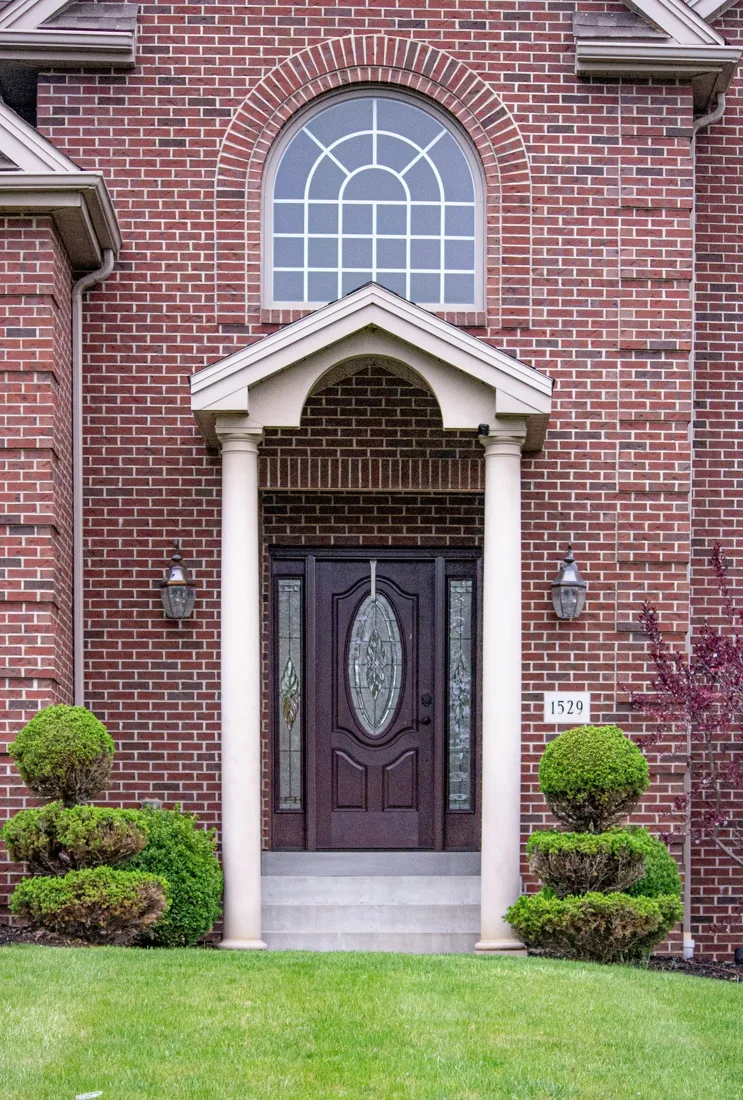
Add a storm or screen door compatible with the primary entrance and available mounting surface. Glass, ventilation and closer choices are balanced with handle clearance and everyday traffic.
Measure slab and frame separately. Note swing from the exterior or approach side, threshold, wall depth and existing hardware.
Typical scope to confirm
Measure mounting surface and primary-door clearances
Install selected storm or screen assembly
Fit closer and latch
Check swing, ventilation panel and screen operation
Make it specific to your project.
Enter the amount of work and choose the details you know. Your choices follow you into the Project Builder.
LOW / MIDDLE / HIGH REFERENCE
Low$350per opening
Middle$650per opening
High$950per opening
Low and high are published reference endpoints. Middle is their arithmetic midpoint, not a quoted average, product tier or firm price.
Match the reference scope first
The shared Storm / screen choice does not distinguish the priced storm door from screen-only work or repairs.
Confirm Door type before applying this reference to your quantity. The reference is a new standard storm door; the actual product must still be confirmed.
The figures above remain the source reference. They do not price these selections or a complete installed project.
A planning reference for this service only. Selections, local labor, access, quantities and existing conditions need Coastal’s review. Do not add overlapping whole-project and component ranges.
HomeGuide · research checked 2026-10-22 · US national · installed
Security-rating claims without selected-product documentation
Primary door
Rot repair
Screen-only or premium double-door quotes
KNOW WHAT COMES NEXT
From first idea to finished work.
Plan the scope
Check mounting surfaces and clearance from the main entry door.
Prepare and approve
Confirm product fit, support, weather exposure and any opening changes.
Complete the work
Fit and fasten components; integrate seals and finish affected trim.
Review and close out
Check swing or sliding travel, latch operation, clearances and weather seals.
Planning & preparation
1–3 weeks
Work on site
Half day–2 working days
Illustrative planning allowance for the stated scope, not a promised start or completion date. On-site time starts after approvals and materials are ready; procurement, inspection waits, curing and discoveries can extend the calendar.
Custom door lead time · Frame repairs or opening alterations · Finish work and access-control coordination
PERMIT PLANNING
Usually cosmetic work
Usually a finish-only scope when the structure, room use and utilities stay unchanged. This is a starting classification, not an address-specific exemption; confirm any related regulated work before starting.
Opening walls or changing structural support
Moving or adding wiring, plumbing or ventilation
Historic exterior restrictions or regulated-material removal
ENGINEERING & DESIGN
Engineering is not usually needed
Engineering is not usually part of this finish-only scope. Stop for review if hidden damage, structural changes or unusual support loads are found.
New structural work or damaged framing
Unverified heavy-load support
Confirm requirements with the city or county responsible for the property before work begins. The address, exact scope and adopted code determine the final requirements.
Provide ventilation through a screen stored within the unit.
Door type: Storm / screen
Custom product, finish code, or request: Retractable-screen storm door. Finish direction: Dark bronze. Provide ventilation through a screen stored within the unit.
Reviewed 2026-10-23. Published ranges describe the source’s stated scope and geography; they are not an Oklahoma adjustment or a Coastal estimate. Do not add overlapping project ranges together.
 COASTALCONSTRUCTION