Explore a scope and request a reviewed quote. Coastal confirms service availability, qualified trade partners, site conditions and final pricing before a proposal.
DOORS & HARDWARE
Keypad lock installation
Install a compatible keypad lock and confirm that the bolt operates freely before programming access. The owner controls account setup and user codes, with connectivity features selected only when needed.
Measure slab and frame separately. Note swing from the exterior or approach side, threshold, wall depth and existing hardware.
Typical scope to confirm
Check deadbolt preparation and door alignment
Install the selected lock and strike components
Test keypad, manual operation and backup access
Guide owner-controlled code setup and handover
Make it specific to your project.
Enter the amount of work and choose the details you know. Your choices follow you into the Project Builder.
LOW / MIDDLE / HIGH REFERENCE
Low$50per item
Middle$75per item
High$100per item
Low and high are published reference endpoints. Middle is their arithmetic midpoint, not a quoted average, product tier or firm price.
Match the reference scope first
Confirm an existing compatible deadbolt preparation. The numeric range is labor only; new boring, device and advanced setup are separate.
Confirm Assembly before applying this reference to your quantity. The provider benchmark is basic hardware fitting, not a door/frame replacement.
The figures above remain the source reference. They do not price these selections or a complete installed project.
A planning reference for this service only. Selections, local labor, access, quantities and existing conditions need Coastal’s review. Do not add overlapping whole-project and component ranges.
Security Locksmith OKC · research checked 2026-10-22 · Oklahoma City provider guide · labor only
Structural door repairs or new bore work unless listed
Lock purchase
New bore preparation
Advanced smart-home setup
After-hours service
KNOW WHAT COMES NEXT
From first idea to finished work.
Plan the scope
Confirm lock compatibility and whether it is battery-powered or hardwired.
Prepare and approve
Confirm product fit, support, weather exposure and any opening changes.
Complete the work
Fit and fasten components; integrate seals and finish affected trim.
Review and close out
Check swing or sliding travel, latch operation, clearances and weather seals.
Planning & preparation
1–2 weeks
Work on site
Half day–1 working day
Illustrative planning allowance for the stated scope, not a promised start or completion date. On-site time starts after approvals and materials are ready; procurement, inspection waits, curing and discoveries can extend the calendar.
Custom door lead time · Frame repairs or opening alterations · Finish work and access-control coordination
PERMIT PLANNING
Check the scope and jurisdiction
New or altered electrical, plumbing and mechanical systems need permit review. Edmond lists limited minor-repair exceptions; OKC directs permitted trade work through licensed, registered contractors.
New circuits, relocated fixtures or altered piping
New or altered heating, cooling, gas or exhaust systems
Changes beyond the local minor-repair exemption
ENGINEERING & DESIGN
Engineering is not usually needed
Engineering is not usually part of this finish-only scope. Stop for review if hidden damage, structural changes or unusual support loads are found.
New structural work or damaged framing
Unverified heavy-load support
Confirm requirements with the city or county responsible for the property before work begins. The address, exact scope and adopted code determine the final requirements.
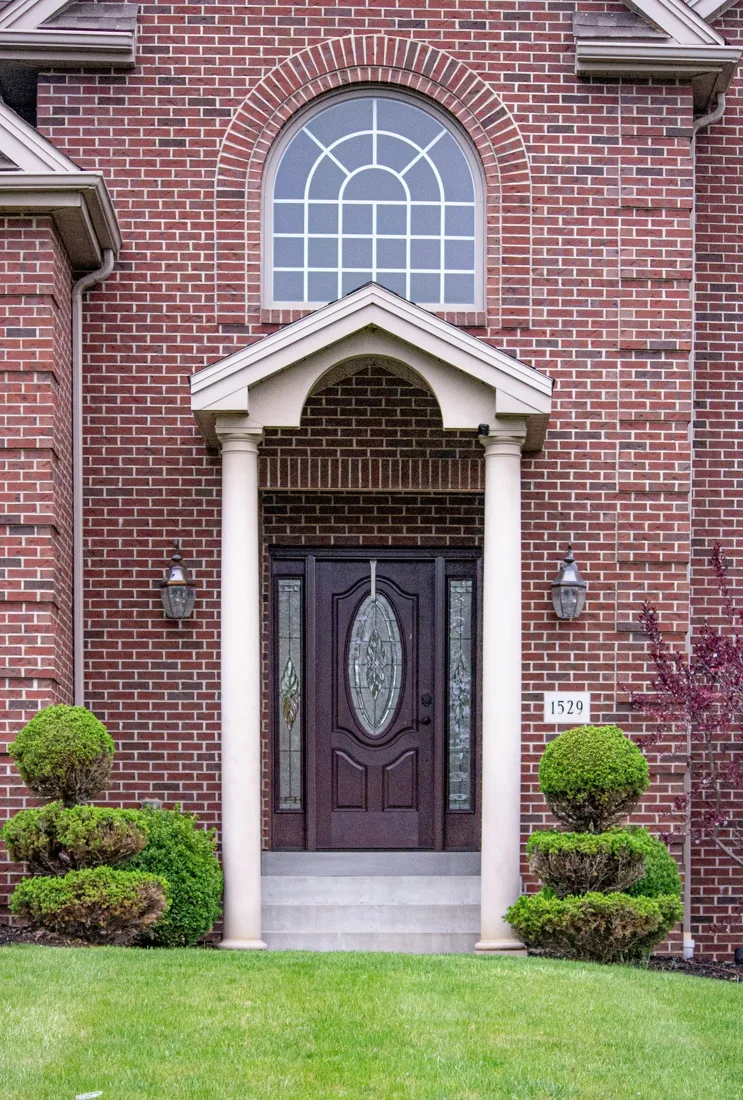
Stock reference photograph; not a Coastal project or specified product.
YOUR PROJECT, VISUALIZED
Choose a direction. See it in your space.
Start with common keypad lock installation options, personalize the details, then upload a photo to create an AI concept.
Standalone keypad
Use local access codes without requiring a connected-home system.
Hardware: Keypad
Assembly: Hardware only
Custom product, finish code, or request: Standalone keypad. Finish direction: Satin silver. Use local access codes without requiring a connected-home system.
Select a model with a mechanical key option and confirm the owner’s preferred backup access.
Hardware: Keypad
Assembly: Hardware only
Custom product, finish code, or request: Key backup. Finish direction: Dark bronze. Select a model with a mechanical key option and confirm the owner’s preferred backup access.
Reviewed 2026-10-23. Published ranges describe the source’s stated scope and geography; they are not an Oklahoma adjustment or a Coastal estimate. Do not add overlapping project ranges together.
 COASTALCONSTRUCTION