Wood privacy fence
Define board layout, post material and finish.
Plan this option COASTALCONSTRUCTION
Explore a scope and request a reviewed quote. Coastal confirms service availability, qualified trade partners, site conditions and final pricing before a proposal.
DECKS, COVERS, FENCES & STRUCTURES
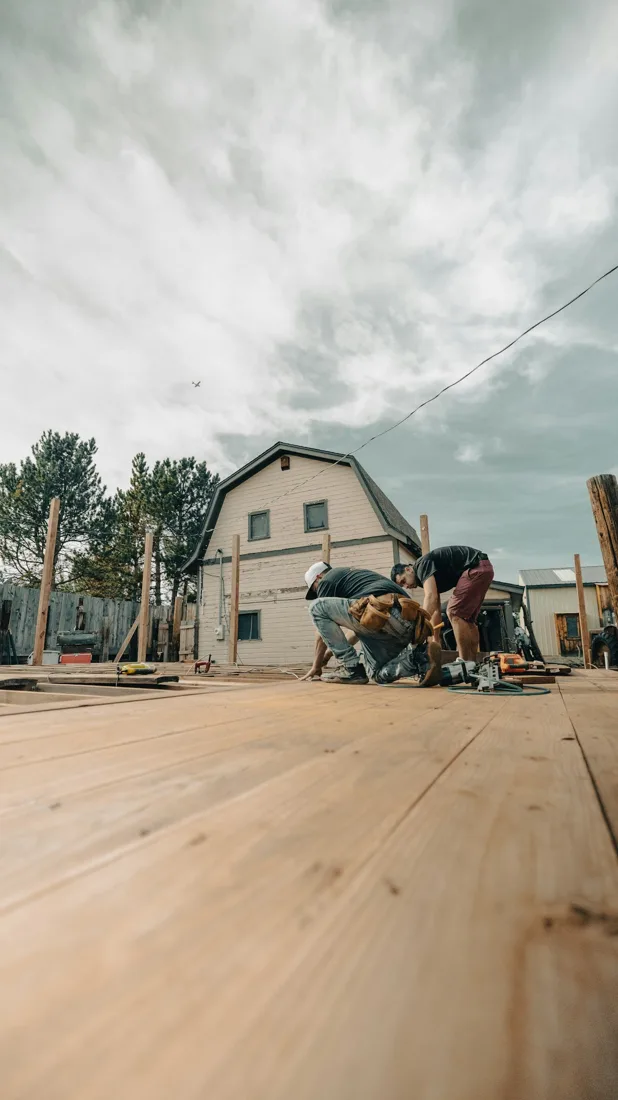
Define the boundary, privacy and access needs before choosing a fence style. Gate openings, terrain changes and post foundations often determine the practical layout as much as the fence panels.
START WITH THE DETAILS
Measure footprint, height, fence length and gate count separately. Note grade, posts, access, attachment and stairs.
Enter the amount of work and choose the details you know. Your choices follow you into the Project Builder.
LOW / MIDDLE / HIGH REFERENCE
Low and high are published reference endpoints. Middle is their arithmetic midpoint, not a quoted average, product tier or firm price.
The figures above remain the source reference. They do not price these selections or a complete installed project.
A planning reference for this service only. Selections, local labor, access, quantities and existing conditions need Coastal’s review. Do not add overlapping whole-project and component ranges.
HomeGuide · research checked 2026-10-22 · US national · installed
KNOW WHAT COMES NEXT
Confirm boundaries, utility locations, fence height and gate clearances.
Review supports, attachment, setbacks and approvals; select materials.
Build approved footings and structure, then add finishes and selected accessories.
Check connections, gates, steps and railings; complete required inspections.
Illustrative planning allowance for the stated scope, not a promised start or completion date. On-site time starts after approvals and materials are ready; procurement, inspection waits, curing and discoveries can extend the calendar.
Footings and structural design · Weather and ground conditions · Material availability and inspection waits
PERMIT PLANNING
Size, height, attachment, use and location determine approvals. Edmond lists exceptions for some small detached structures and fences; OKC asks owners to check shed scope before construction. Confirm setbacks, easements and utility work too.
ENGINEERING & DESIGN
Engineering is not usually part of this finish-only scope. Stop for review if hidden damage, structural changes or unusual support loads are found.
Confirm requirements with the city or county responsible for the property before work begins. The address, exact scope and adopted code determine the final requirements.
MAKE IT FIT YOUR HOME
Compare the scope before choosing products. Any direction can be refined with Coastal.
MATERIALS & DETAILS
These original swatches show a general visual direction. Confirm a physical sample, exact finish code and product compatibility before ordering.
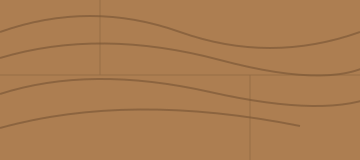
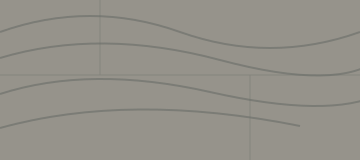
Cool gray wood or composite direction, not a proprietary color match.
Use this direction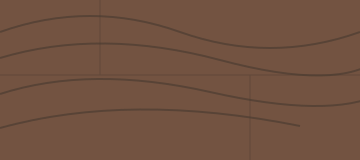
Rich brown wood or composite direction, not a proprietary color match.
Use this direction


PRODUCT RESEARCH
Manufacturer references help compare options. They do not imply a Coastal dealership, endorsement, or a product selected for your project.
Specified post bases, connectors or fasteners for compatible wood-fence details.
Open the original source for product and installation imagery. These are reference links, not Coastal project photographs.
Stock reference photograph; not a Coastal project or specified product.
YOUR PROJECT, VISUALIZED
Start with common fences and gates options, personalize the details, then upload a photo to create an AI concept.
Define board layout, post material and finish.
Maintain visibility with a specified metal panel system.
Compare panel styles and compatible gate components.
FROM INSPIRATION TO YOUR SPACE
The example photo is inspiration. Your personalized concept applies your saved service and finish selections to the photo you upload.
AI concepts are illustrations. Product matches, measurements and feasibility require Coastal’s review.
YOUR NEXT STEP
Keep rooms, measurements and choices together in the Project Builder.
Reviewed 2026-10-23. Published ranges describe the source’s stated scope and geography; they are not an Oklahoma adjustment or a Coastal estimate. Do not add overlapping project ranges together.
Stock photograph license · Finish swatches and scope diagrams are original illustrations.